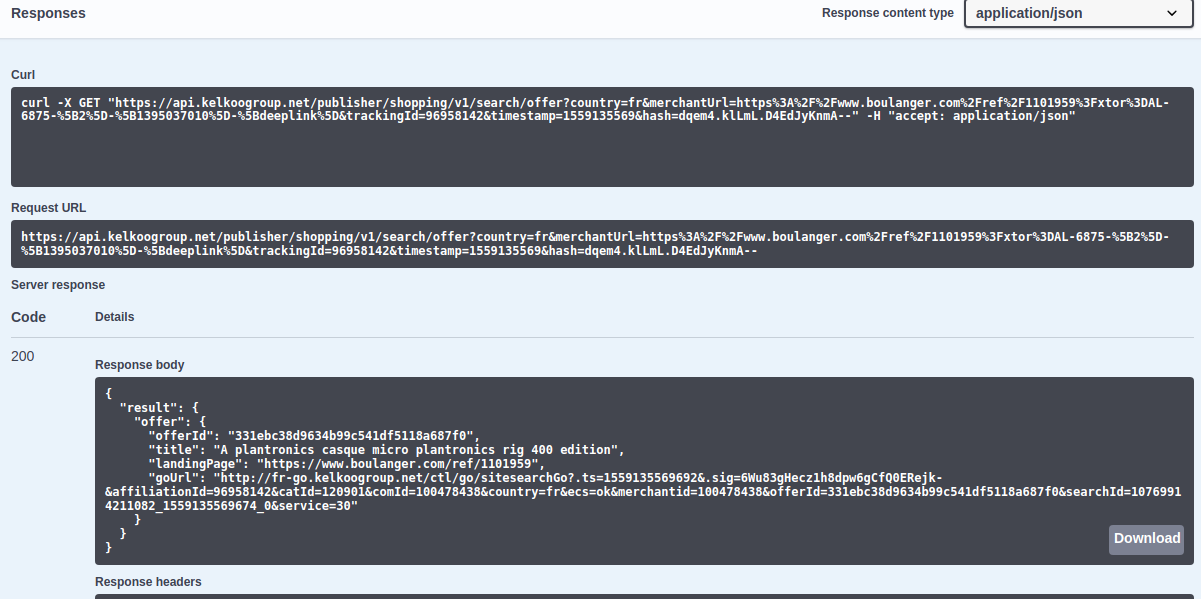
Request builders :
-
request builder Shopping API (also available at https://api.kelkoogroup.net/publisher/shopping/v2/docs/ )
-
request builder Reporting API (also available at https://api.kelkoogroup.net/publisher/reports/v1/docs/ )
It makes your life as an integrator easier.
It helps you test the API within your browser without developing any code.
The request builder is built with Swagger and OpenAPI specification (more details).
Usage
The Request Builder lists all available APIs with their URI, parameters and response types.
And it lets you play with the API by filling the different parameters in a form and building the request for you.
Authentication
You can set up your credentials:
-
either by clicking the padlock icon at the right of an operation title: if the padlock is closed it means the credentials are already set

-
or by clicking on the Authorize button in the top right corner of the page,

JWT
In the appearing dialog, if the operation you want to try needs JWT authentication, you need to fill the JWT that you have generated by yourself on the Publisher Center.
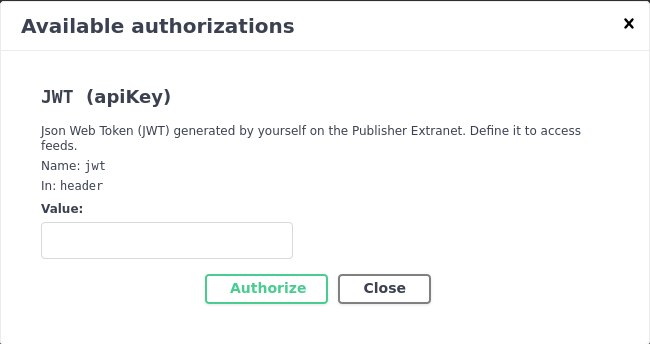
See details on JWT
Building a request
Open the endpoint you need, click on Try it out and fill the required fields.
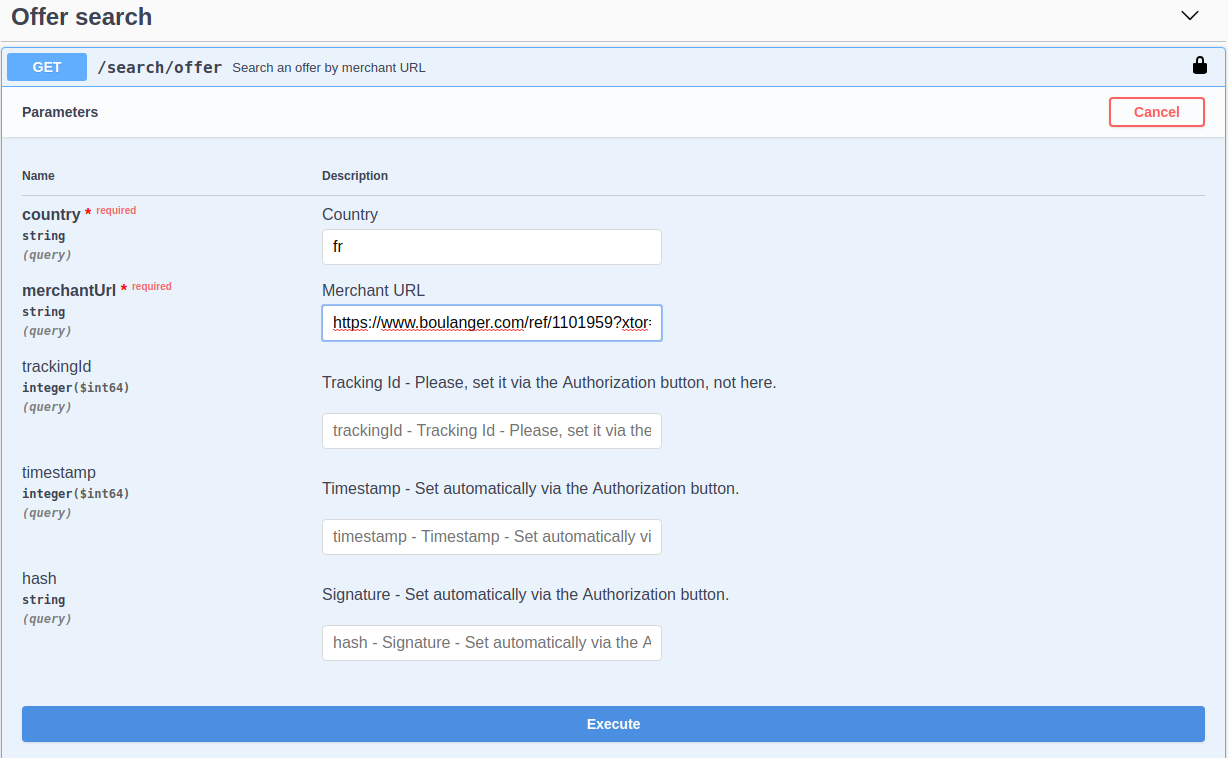
Then click on Execute. The query is built, authenticated and executed for you.
You can see the response just below (or in your browser downloads menu in case of offers feeds).