Need help ?
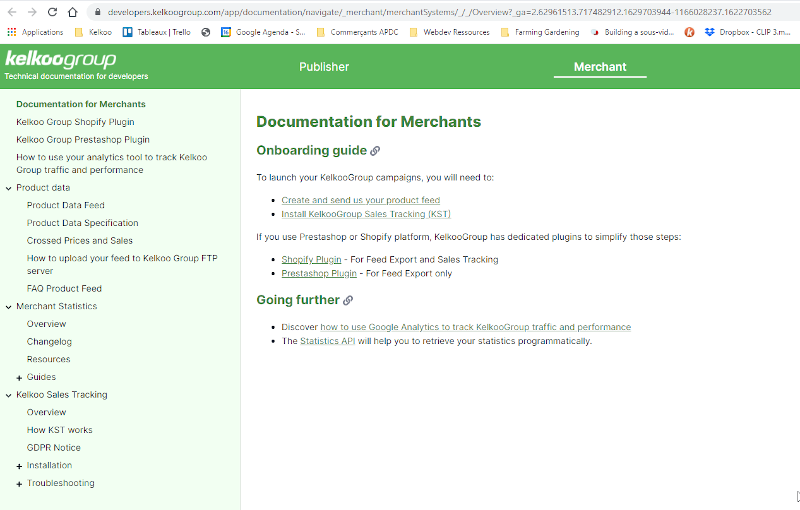
You have direct access to our documentation by clicking on the Need Help? button at the top right
Campaigns
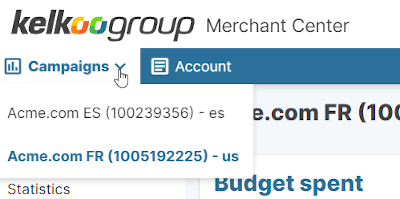
Campaign Selector
If you have multiple campaigns with Kelkoo Group, you can select them via the dropdown located in the main menu
Dashboard
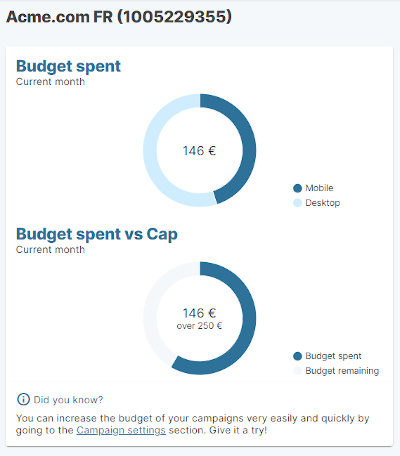
When you have selected your campaign, the dashboard will display key metrics for the current month.
Campaign budget:
-
Budget spent split by device type
-
Budget spent vs Cap, so you know if you need to increase your budget to stay online
Campaign metrics (split by device type)
-
Number of clicks
-
Number of sales
-
Sales amount
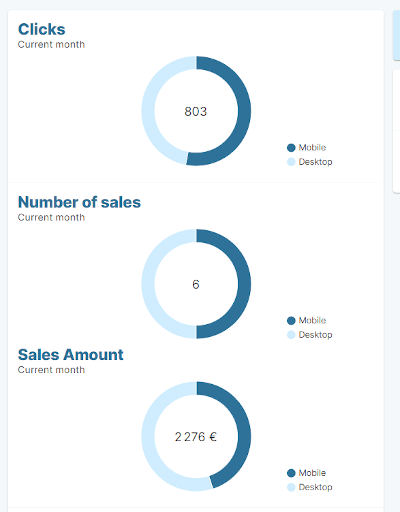
You will also find the status of your Kelkoo Sales Tracking

Account manager & Invoices
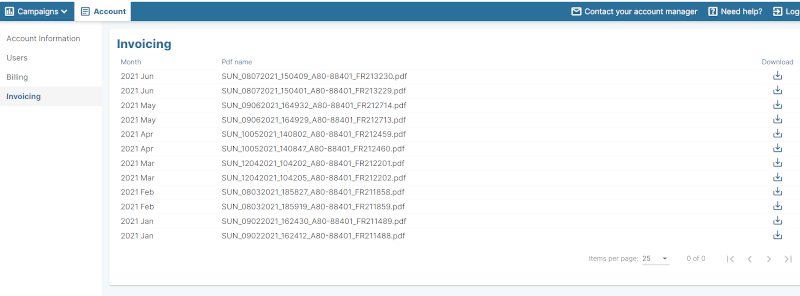
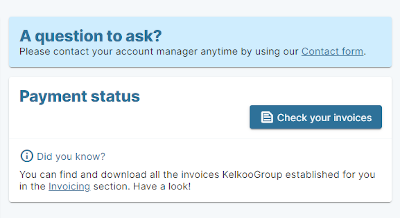
On the right side of the screen, you can find a contact form to talk with your account manager and the status of your invoices.
Campaign settings
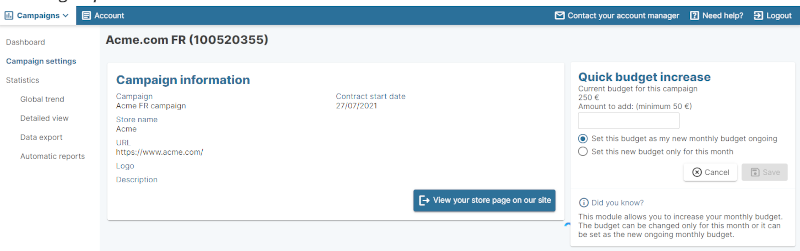
In this section you can find the following information:
-
Contract information with start date
-
Store information: name, url, logo and description that is used to display your offers on our network. You also have a direct link to check your offers on our Kelkoo website.
-
Quick budget increase: current budget of the campaign, and if made available by your account manager, you can increase this cap at your convenience:
-
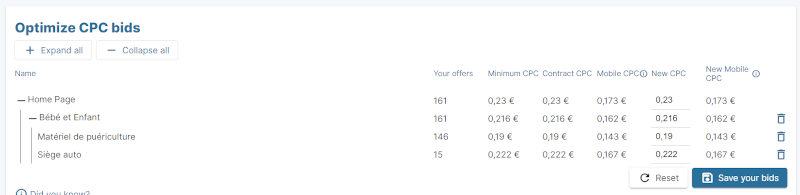
Optimize CPC bids: after accepting the terms and conditions, you will be able to adapt your CPC rate card according to your need.
Statistics
See How to read your Statistics.
Kelkoo Sales Tracking
See Kelkoo Sales Tracking Installation tool.
Account
Account information
This information is used for credit check purposes and billing. If you need to update, please contact your account manager.

Users
At the moment, only one user can be connected to a specific campaign. A single user can be connected to multiple campaigns. You can change user information and password, but if you need to create a new user, please contact your account manager.

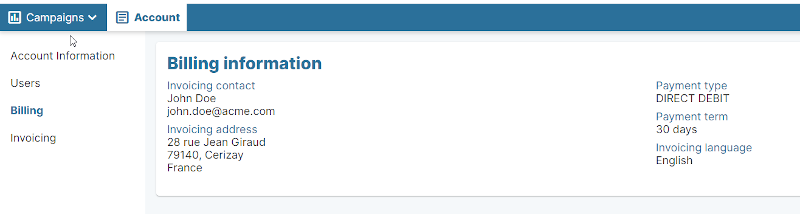
Billing
This information is used for billing purposes. If you need to update, please contact your account manager.
Invoices
You can download here your invoices.