
Kelkoo Group provides a Publisher Center so you can:
-
Access Performance Reports: use online interface, export data via file, ...
-
Access the toolbox to use our Links Product:
-
Links builder to create single monetized links
-
Links tag to automatically convert the links on your website into monetized links
-
-
Navigate through our Merchant Directory updated in real time
-
Setup the access to our ShoppingAPI (to collect merchants' offers) and our Reporting API (to get programmatic access to your performance reports)
-
Get information about how to get paid and the terms of your contract with Kelkoo Group
-
Contact your account Manager or the Technical team via our Contact Form
Performance Reports overview
-
Performance report
-
Raw Data
-
Earnings
IMPORTANT NOTE: Please note lead and revenue data is live and may change on a daily basis. Revenue data should be used as a guide only, please await confirmation from your account manager for finalized monthly invoicing amounts (reported in Earnings tab).
In the Reports tab you can find all the statistics available to monitor your performance:

Three sections are available:
-
Performance report: This section will allow you to generate the aggregated reports your needs
-
Raw Data: This section will let you download all the data available with the finest granularity possible
-
Earnings: This section list the final amount you will be paid by Kelkoo Group each month
Performance report
On the top of the screen, you can filter the data displayed.

-
Application: in order to use Kelkoo systems, an application representing your access to our services is created by your Account Manager. Usually a publisher only have one application, so you generally don't need to bother with this filter
-
Country: As a publisher, you access our system per country. This filter allow you to select the correct country for your report.
-
Services: This filter allows you the type of service used to access merchants offers: Shopping API Feeds, Shopping API Search, Links
-
Devices: You can filter your report to only show data for Desktop, Mobile or Tablet
-
Start Date / End Date: To filter the date range you are interested in
-
Tokens: Those are the secret keys you use to access our services. You can filter your reports on those.
The blue section below the filters displays the key Performance KPIs

-
Leads: The number of billed leads, users that were successfully redirected to the merchant websites
-
Your Earnings: Your estimated earnings for the period selected. Your final earnings is computed at month end and paid under our contractual terms. See Earning reports for more details.
-
Tracked Sales: The amount of tracked sales revenue that has been recorded by your traffic.
Data is displayed on a chart and a data table

At the top of the section you can find settings to tweak the way data is displayed:
-
Select Metrics: you can select two different metrics to be displayed and compared on the chart
-
Currency: you can display the data in the currency of your choice
-
Split By: by default, data is aggregated by day. With this dropdown, you can add additional level of granularity to your reports.
-
Display Daily / Monthly: with this you can aggregate your data daily or monthly
You can also download the data in TSV format to be explored in OpenOffice / Excel, via the Download in TSV button.
Raw Data
Raw data are designed to give you the reporting granularity you need to optimize your campaigns. As this dataset is really granular you can only download the data in TSV format, to explore it in OpenOffice/Excel. Similar to the Performance Report tab, you can filter the data thanks to the dropdowns on top of the screen.
An alternative to this Raw Data pipeline, you can use our Reporting API to access this granular data programmatically.
Earnings
In this section, you can find your earnings by month, eg the final amount that will be paid for your services. To get paid you must invoice Kelkoo Group. Please see the Getting Paid sections for more details.

Links toolbox
For more information about our Links product and how to use it, please refer to our Links Guide
In this section of the Publisher Center, you will find the two main tools to use our Links Product
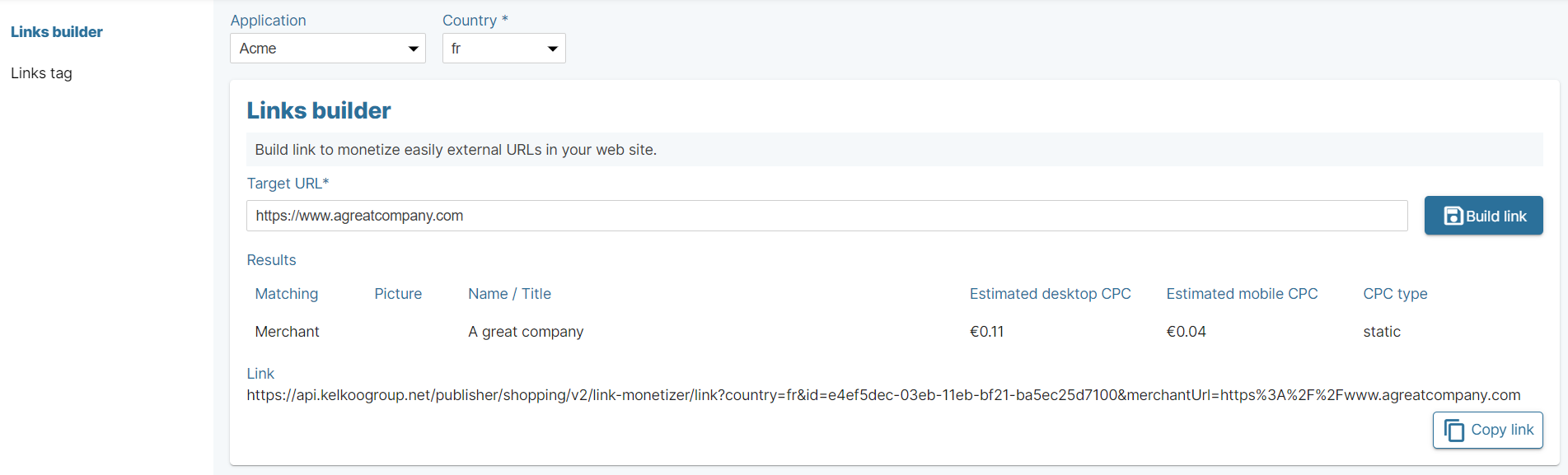
Links Builder
With this tool, you can build single monetized links from our roaster of merchants.
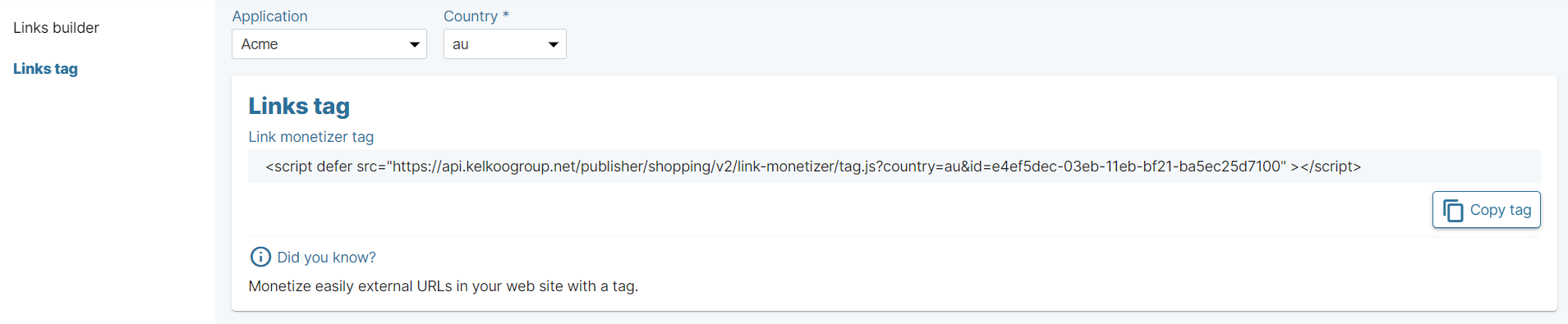
Links Tag
Install our Links tag, and all the URLs of your website will be automatically scanned and replaced by monetized URLs, based on our roaster of merchants.
Merchant Directory
The Merchant Directory gives you the full list of merchants available for monetization.
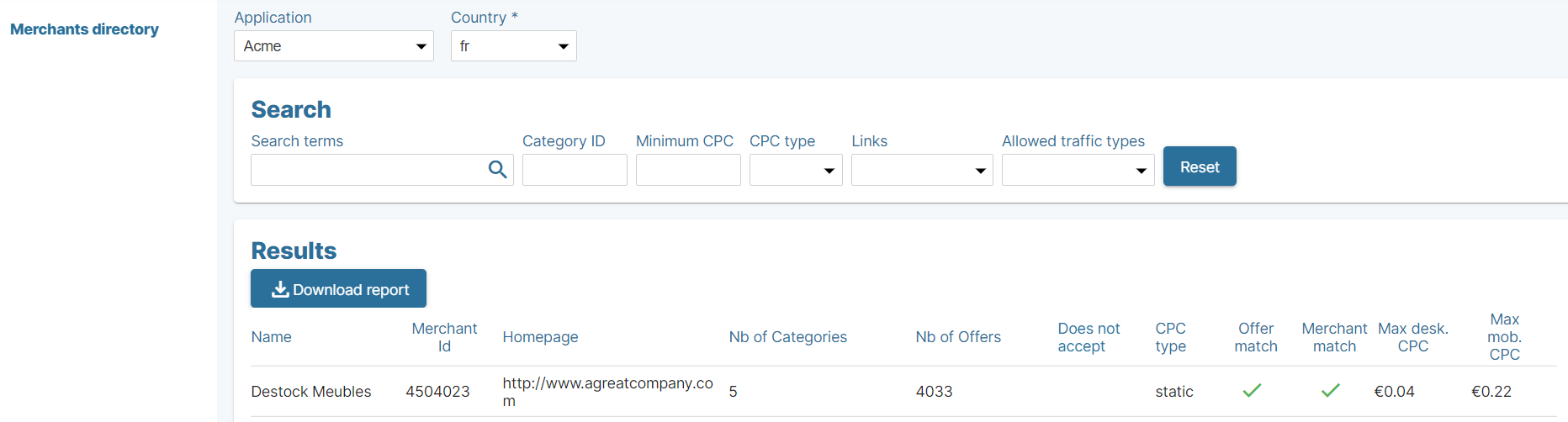
You can filter the list via the dropdowns at the top of the screen
-
Country
-
Search Terms: type any terms to search on Merchant name or Homepage
-
Category ID: filters by the merchants' offer category.
-
Minimum CPC: help you filter out merchants with CPCs that are too low.
-
CPC Type: Dynamic CPC campaigns will vary (daily) based on performance. Campaigns with a static CPC will remain the same.
-
Links: filters merchants where you can only monetize Offer URLs or only Links URLs .
-
Allowed Traffic Types: Select merchants that accept All type of traffics, All except Couponing etc.
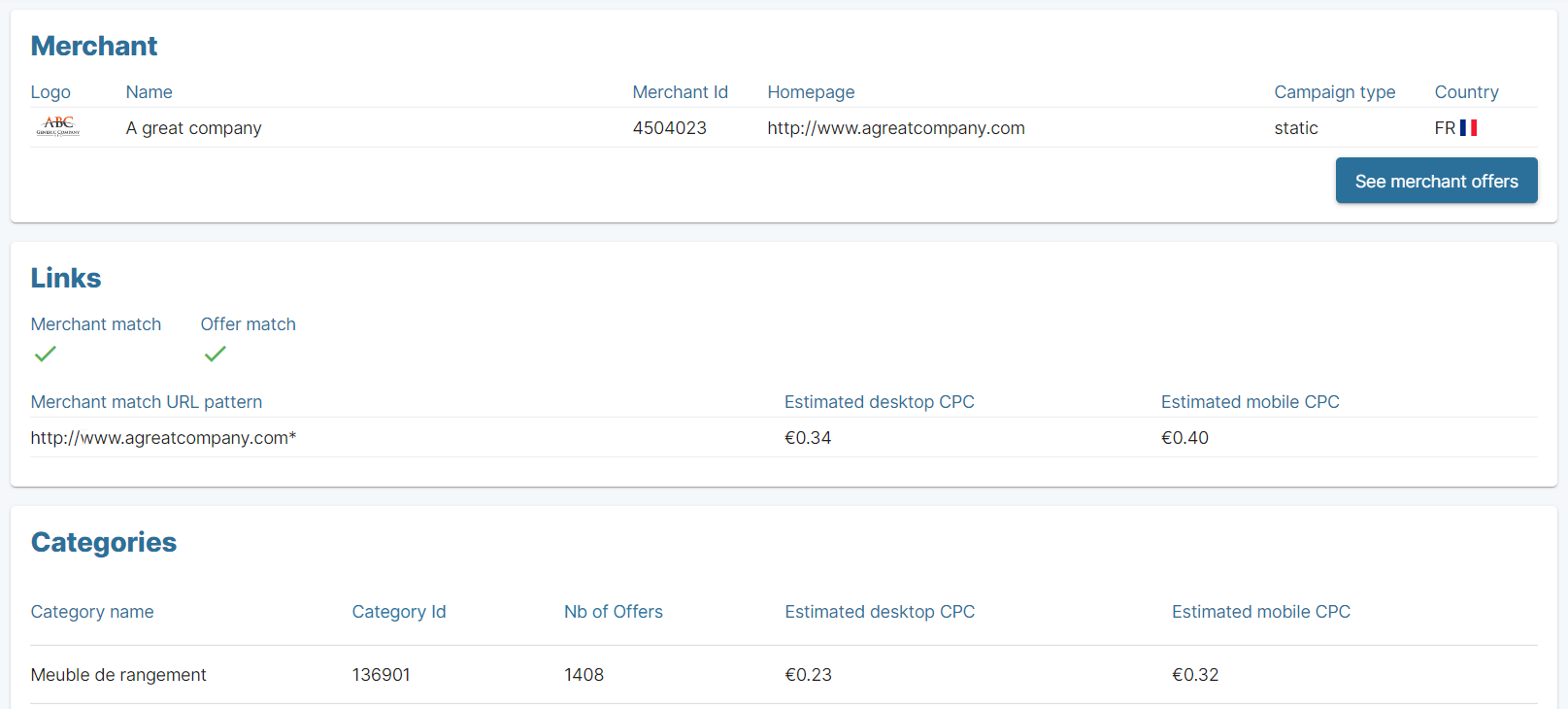
If you click on one line of the results table, a new tab open and you can see the details of the selected merchants.
Settings
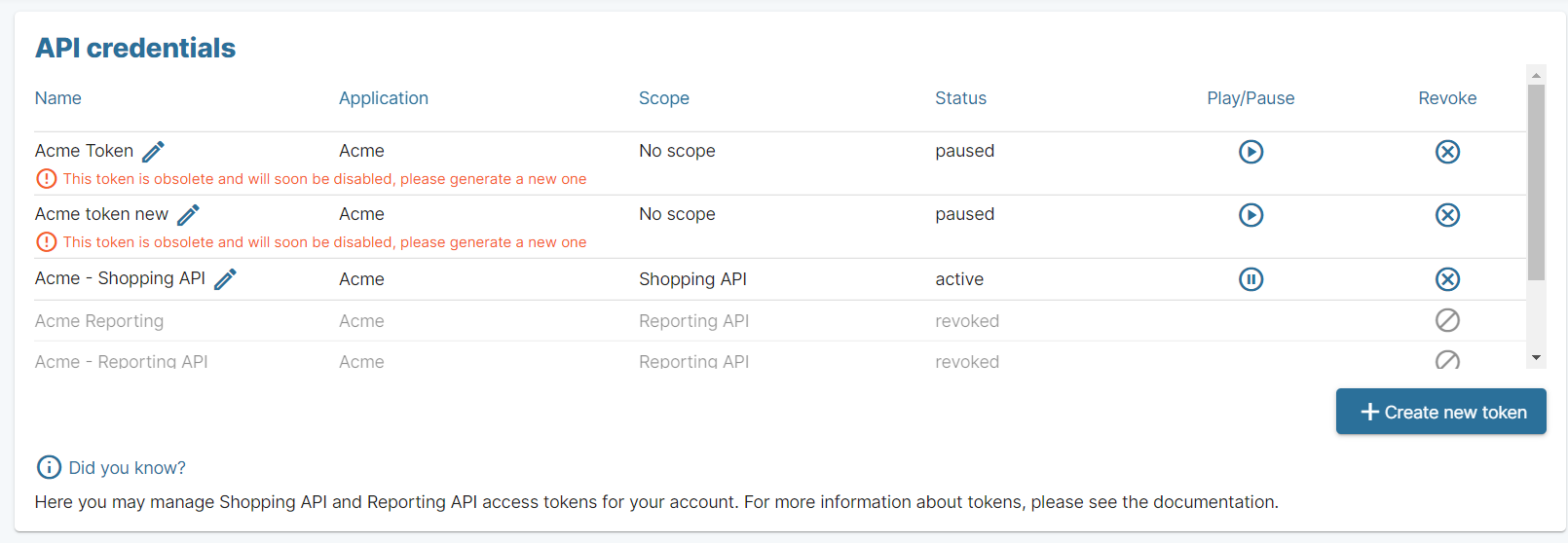
API credentials
For Shopping API and/or Reporting API:
In this section, you can create the tokens necessary for using Shopping API or Reporting API.
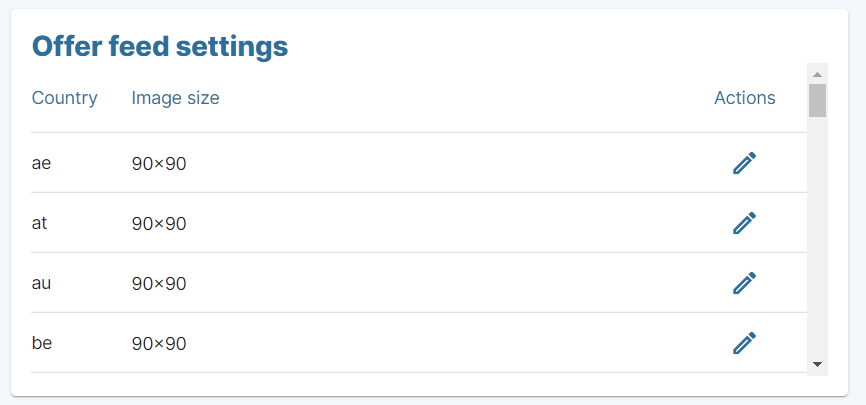
You can also customize your offer feed via a (limited) set of options
Account
In this section, you can see your user information, change the default currency displayed in the different charts and tables and reset your password if necessary.